

One Year After Google Timeline Moved On-Device, MileageWise Shares Its Experience Preserving Travel History
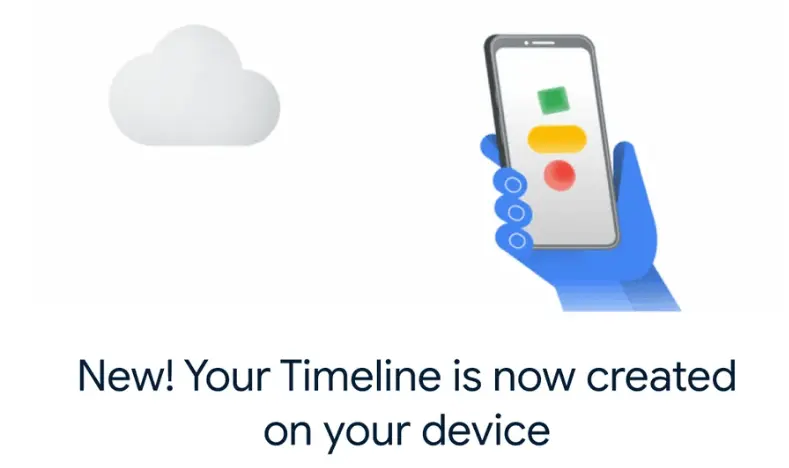
Google migrated Timeline storage to mobile devices
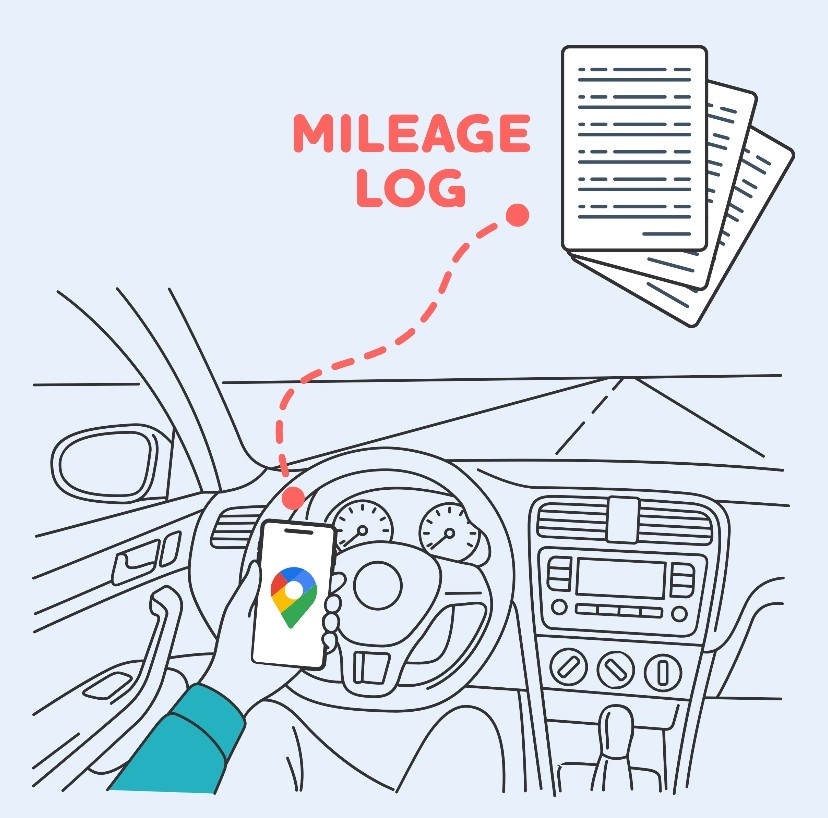
It's been a year since MileageWise adapted to turn the phone-stored Timeline files into mileage logs

MileageWise is a mileage tracker and mileage log software, specialized in retroactive mileage logging solutions
After a year supporting on-device Google Timeline imports, MileageWise explains exactly what business drivers should check to preserve their travel history.
SARASOTA, FL, UNITED STATES, July 14, 2026 /EINPresswire.com/ -- MileageWise, a mileage tracking and mileage log software provider, has shared its findings after a year of helping drivers turn Google Timeline data stored on their mobile devices into organized mileage logs.
Google’s move from primarily cloud-based Timeline storage to on-device storage significantly changed how users access, preserve, and export their travel history. In response, MileageWise adapted its import workflow to process supported Timeline data exported from mobile devices.
After working with users and their files under the new system, the company has identified several recurring patterns that business drivers should understand before relying on Google Timeline for mileage documentation.
1. Many Users Are Still Unsure Where Their Timeline Data Is Stored
One of the most common sources of confusion is the difference between seeing travel history in Google Maps and having that data securely stored, backed up, and available for export.
Under the on-device model, Timeline history is tied to a particular phone rather than being readily accessible through a Google account in the way users previously expected. This can become especially important when someone replaces, loses, or resets a device.
MileageWise has also encountered cases in which Timeline, backup, or auto-delete settings appeared to reset during the transition or following an update. Although these issues were associated with the migration period, they reinforce the importance of checking Timeline settings periodically instead of assuming they have remained unchanged.
Users should confirm:
- Which device contains their Google Timeline History
- Whether Timeline backup is enabled and which account it’s associated with
- Whether auto-delete is active and which period it covers
2. Drivers Often Investigate Their Data Only When the Need Becomes Urgent
Many business drivers do not review their Timeline settings or confirm which periods are available until an accountant requests a mileage log or a tax deadline approaches.
Under the new on-device system, checking backup and auto-delete settings periodically can help users preserve the travel history they may later want to use for mileage logging.
MileageWise recommends becoming familiar with these settings before the records are urgently needed. This gives users more time to preserve their history and turn relevant travel data into an organized mileage log.
3. Google Timeline Data Is Valuable, but It Is Not a Finished Mileage Log
Google Timeline can provide useful historical evidence about where and when travel occurred and. However, the raw data was not created specifically for tax or reimbursement documentation.
A Timeline history may contain:
- Personal drives
- Walking
- Flights
- Public transportation
- Parking locations rather than the actual destination
- Stops without a recorded business purpose
Turning that information into a mileage log requires additional processing and review. MileageWise filters out car journeys, organizes the resulting trips, calculates the distances between destinations, and guides users through categorization and finalization. The goal is not simply to copy location history into a report, but to transform it into a structured and defensible mileage record that includes all Google Maps mileage.
About MileageWise
MileageWise provides mileage tracking and retroactive mileage log solutions for self-employed professionals, small businesses, and other business drivers. Its mobile and web-based tools help users record new trips, import Google Timeline drives, categorize business mileage, and prepare structured mileage logs for tax or reimbursement purposes.
Rebeka Lynn Barefield
MileageWise Inc.
email us here
Visit us on social media:
LinkedIn
Instagram
Facebook
YouTube
TikTok
X
Mileage Log from Google Maps app
Legal Disclaimer:
EIN Presswire provides this news content "as is" without warranty of any kind. We do not accept any responsibility or liability for the accuracy, content, images, videos, licenses, completeness, legality, or reliability of the information contained in this article. If you have any complaints or copyright issues related to this article, kindly contact the author above.
